Design

Throwback Thursday: Where Does the Image Go on the Shirt?

Ask a screen printer where the image goes on a shirt and you’ll get a deceptively simple answer: wherever it looks good to the customer. But “looks good” is where things get complicated, and where expensive mistakes happen if you’re not careful. Templates Are Guides, Not Gospel Some shops rely on elaborate placement systems. Some…

°FAI: AI Image Resolution Upscaling for Print

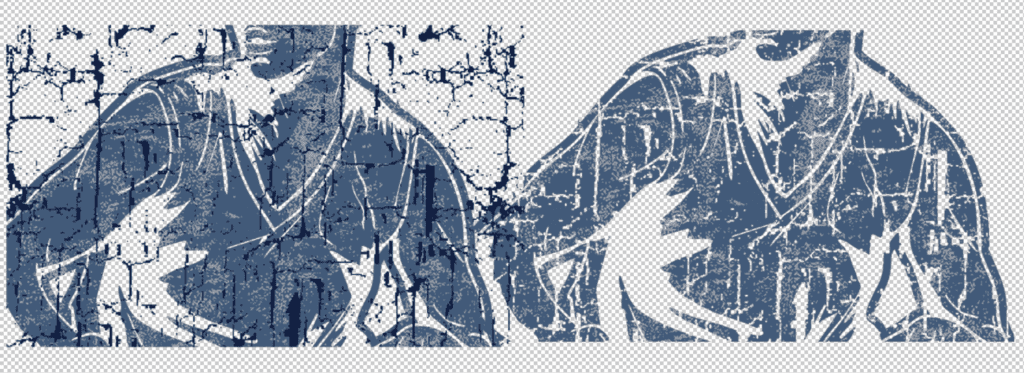
°FAI: AI Image Resolution Upscaling for Print: Using Topaz Gigapixel, Photoshop Generative Upscale & DALL-E for Production-Ready Artwork I spend some of my days making and/or taking others AI-generated artwork and making it production-ready. This means upscaling images from typical 1024×1024 outputs to print-quality resolutions of 300 DPI or higher, cleaning up artifacts that become…

ISS Long Beach 2026: AI, Embroidery & Print Innovation

I had a snowy homecoming after a sunny week at ISS Long Beach 2026, and wow, what a contrast. I traded sunshine and mild California weather for roughly 30 inches of snow at home. Long Beach was a great reset, and the show itself was really busy and seeing everyone was excellent. I saw AI…

Multi Screen Strategy: Managing Conflicting Vector Elements

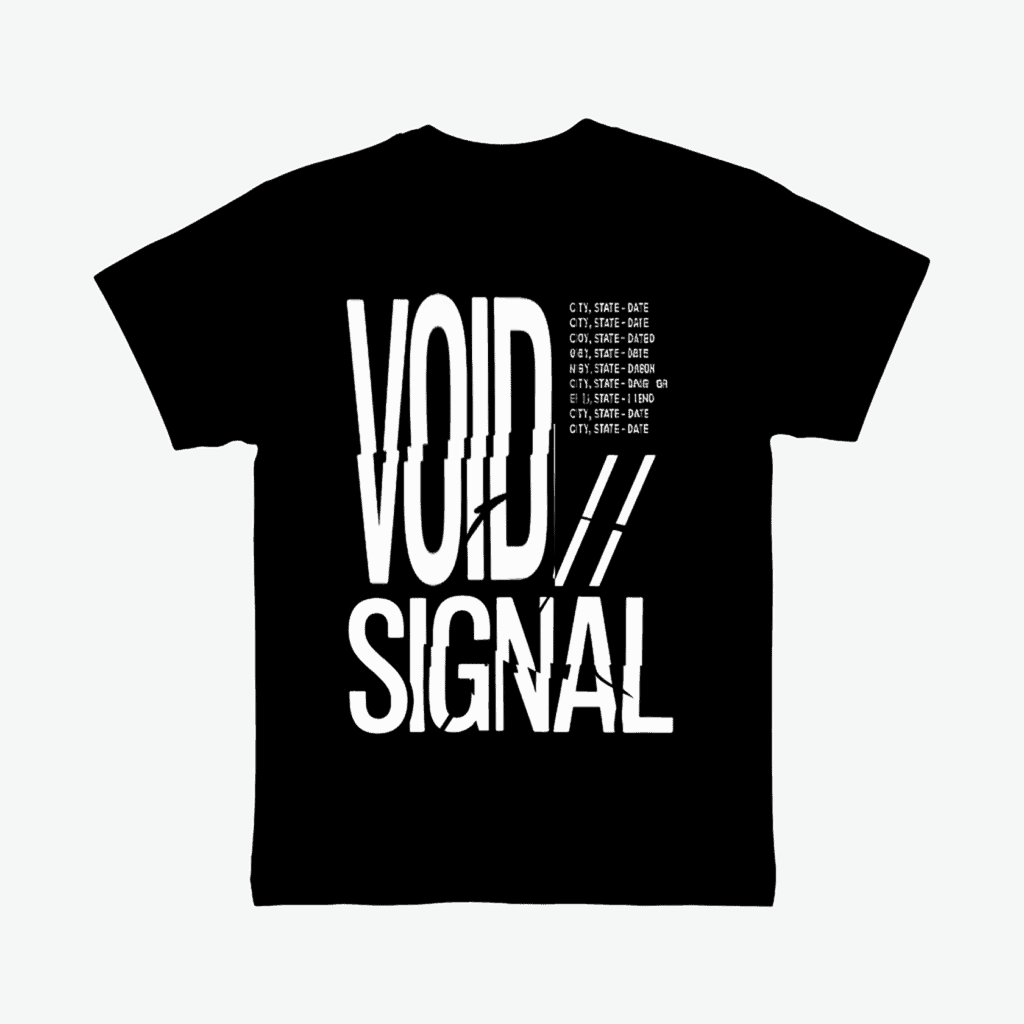
A design measured 14 inches wide by 17 inches tall, featuring two distinct text elements: heavy bold text spanning the full image height in the left area, and fine-detail text positioned on the right side. The Problem The original separation placed both text elements on a single spot white plate. This configuration created inherent registration…

°FAI: Photoshop Script for Automated Artwork Cleanup

Preparing artwork for production eats time fast, cleaning backgrounds, fixing edges, resizing to spec, and protecting distressed details. Most of us repeat the same steps endlessly: clicking, zooming, undoing, hoping nothing gets missed. Creating a photoshop script for automated artwork cleanup will simplify and speed up the process. This article walks through a custom Photoshop…

Fashion Forward Friday – AI proof review for apparel printing

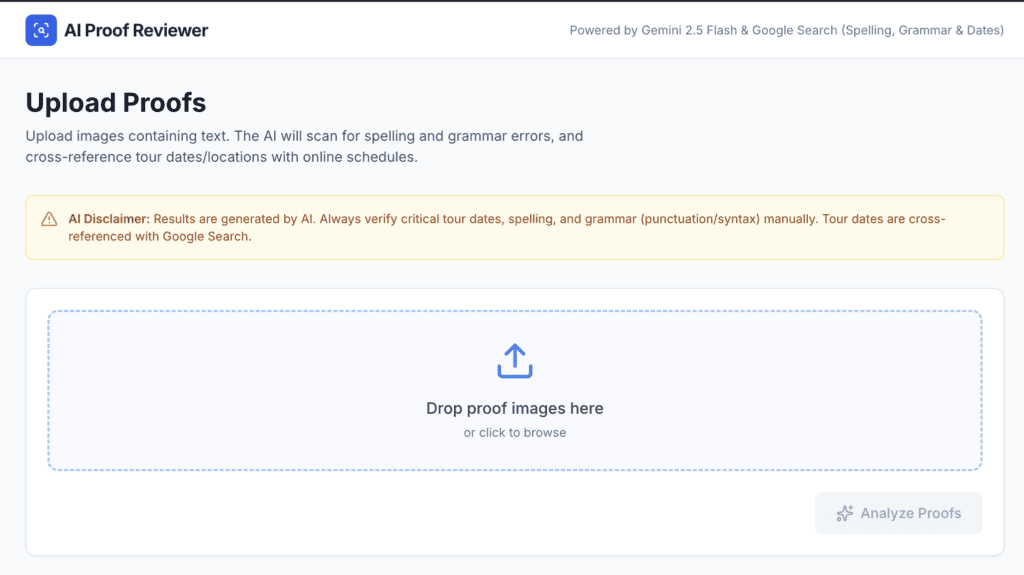
Fashion Forward Friday is BACK! AI Proof Review, Revisited: From Fast Scanning to Documented QC AI posting on Friday is back, I took some time off – I’m back, and I want to share updates on my ongoing projects. Keep the dialog going, please respond, share, follow, ask questions – AI will help and change…

Fashion Forward FRIDAY: Creating a Multicolor Illustrator Script for Separations

Creating a Multicolor Illustrator Script for Separations In last week’s blog, we looked at a simple one-color Illustrator script that helps streamline the separation process for screen printing. Let’s take things up a notch with Multicolor Illustrator Script for Separations. This tool automates the critical steps of preparing designs for screen printing, ensuring consistency, saving…

FASHION FORWARD FRIDAY: BATCH GENERATION IS SO COOL

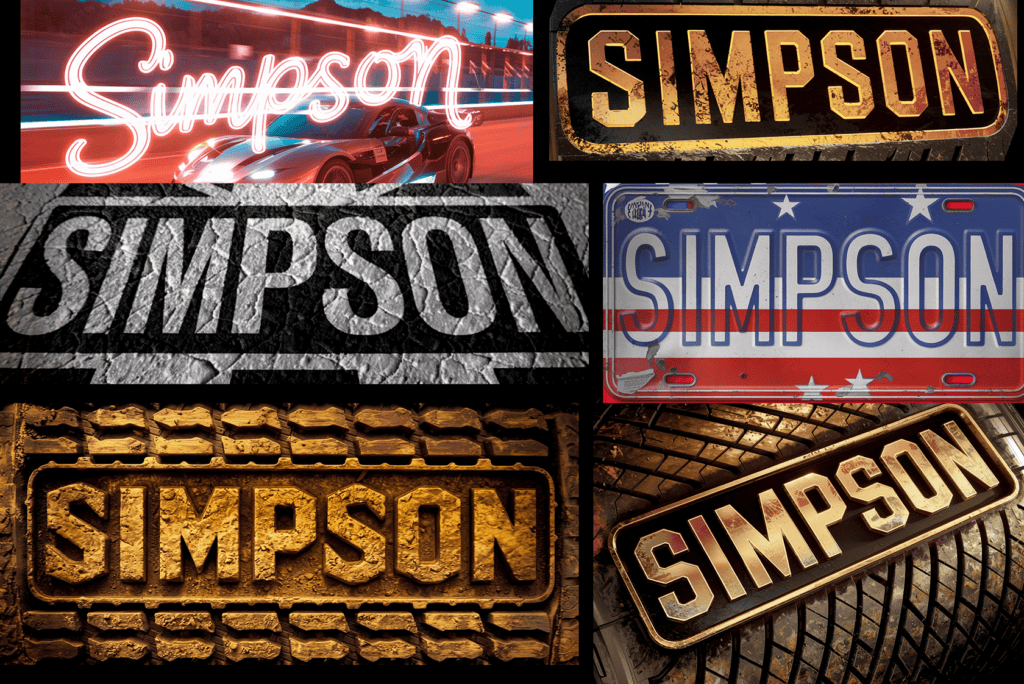
Exploring Batch Generation with Ideogram: I explored the world of batch generation with Ideogram. I was tasked with creating several variations of a logo for a client who wanted some unique touches like textures, shattered effects, and glow-in-the-dark elements. This is the perfect opportunity to experiment with Ideogram’s batch generation tool. CREATING THE CSV First,…

FASHION FORWARD FRIDAY: 2024 AI and Apparel: A Year of Exploration

This year was all about digging into how artificial intelligence (AI) is shaking up the apparel industry. From creativity to ethics, we covered it all at The Ink Kitchen. Here’s a rundown of some of the takeaways from 2024, a Year of Exploration. Check out the links on things you might’ve missed or might be…

FASHION FORWARD FRIDAY: Illustrator Scripts GPT

Automating Creativity: Hawaiian Shirts and Illustrator Scripts One of the things you can do with AI-powered tools like ChatGPT is scripting for design applications like Adobe Illustrator or Photoshop. Did you know a JavaScript wizard is built into these AI platforms? It’s surprisingly effective—after some trial and error. I started experimenting by asking ChatGPT to…

No more pages to load