°FAI: AI Image Resolution Upscaling for Print: Using Topaz Gigapixel, Photoshop Generative Upscale & DALL-E for Production-Ready Artwork
I spend some of my days making and/or taking others AI-generated artwork and making it production-ready. This means upscaling images from typical 1024×1024 outputs to print-quality resolutions of 300 DPI or higher, cleaning up artifacts that become visible at larger sizes, and ensuring colors translate accurately to screen printing specifications. For more complex edits or filling in missing areas, I use DALL-E (@$8/mnth). I do not generate full replacements, I cut and paste the edits into the original like collage.
The REMOVE tool in PS does not use credits, so I will remove unwanted elements there.
For the resolution increase, I use the tool Topaz Gigapixel and/or Photoshop’s Generative Upscale. Each tool has its strengths: Gigapixel has the RECOVER tool which does good job, but may require credits. And Generative Upscale also contains TOPAZ which is really good, for some art.
Here are some images that explain:
RECREATE FROM REAL LIFE
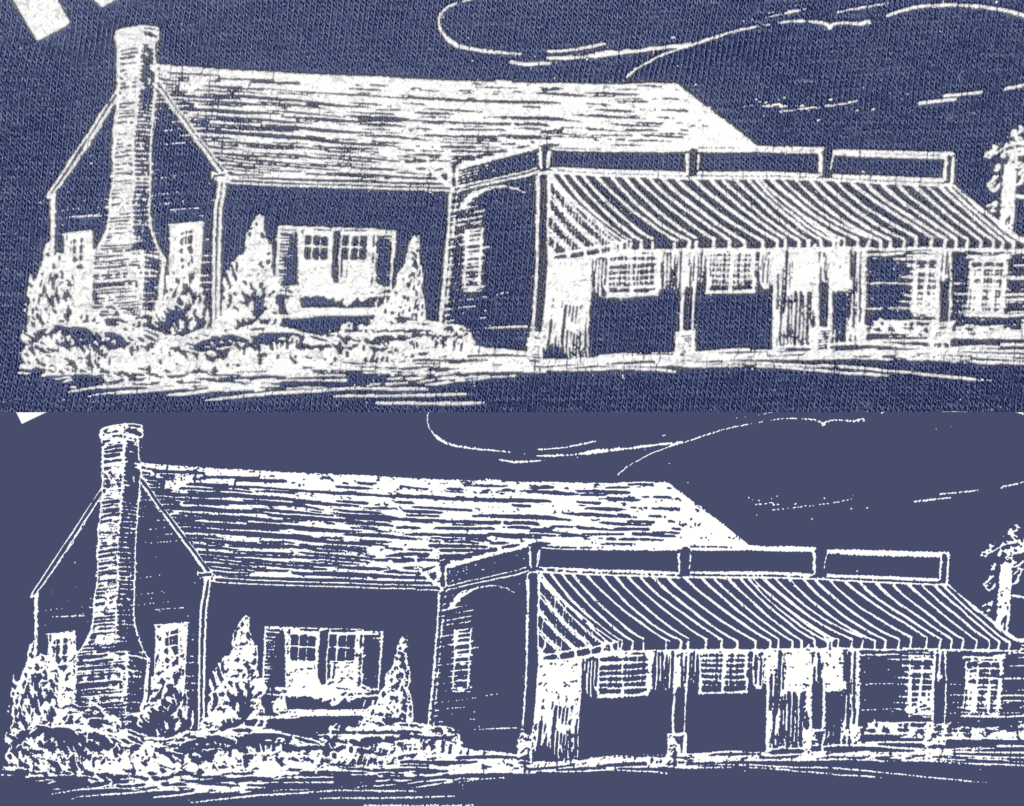
The top is a photo of a print on a triblend tee, the bottom is recreated with an AI assist. This process took about 25 mins with Topaz Gigapizel Recover (I had credits so it was faster).
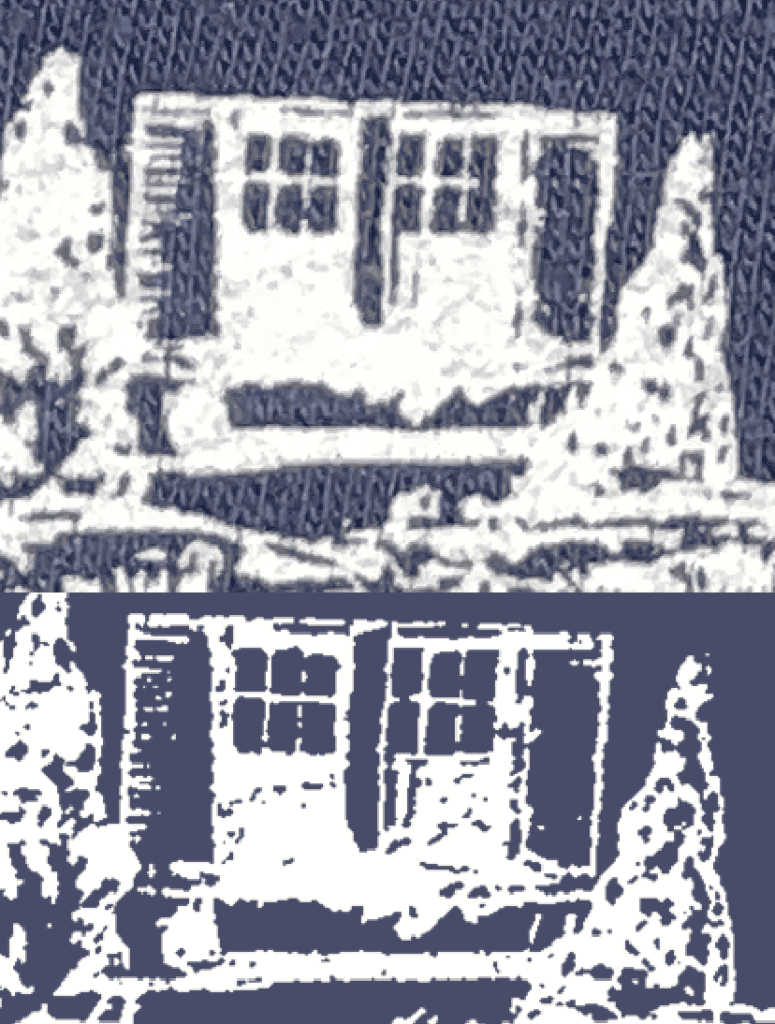
Close Up.
VECTOR
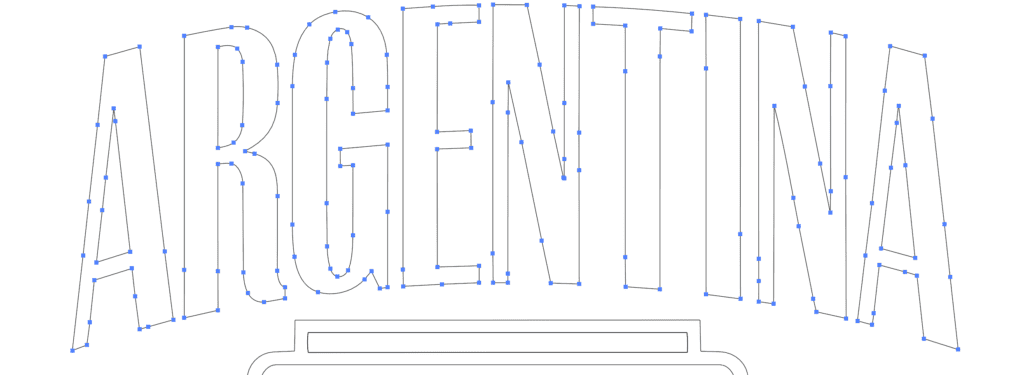
Vector Text from AI after Outline (no Clean up)

Vector Graphic from AI after Outline (no Clean up- but it has issues)
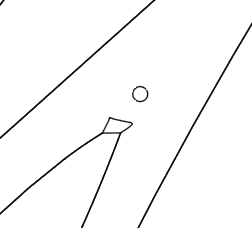
‘The Issues’ (close up) this is about 10 mins of cleanup after outline. I do also have “Vector First Aid” which does handle some of the clean up.
RASTER AI
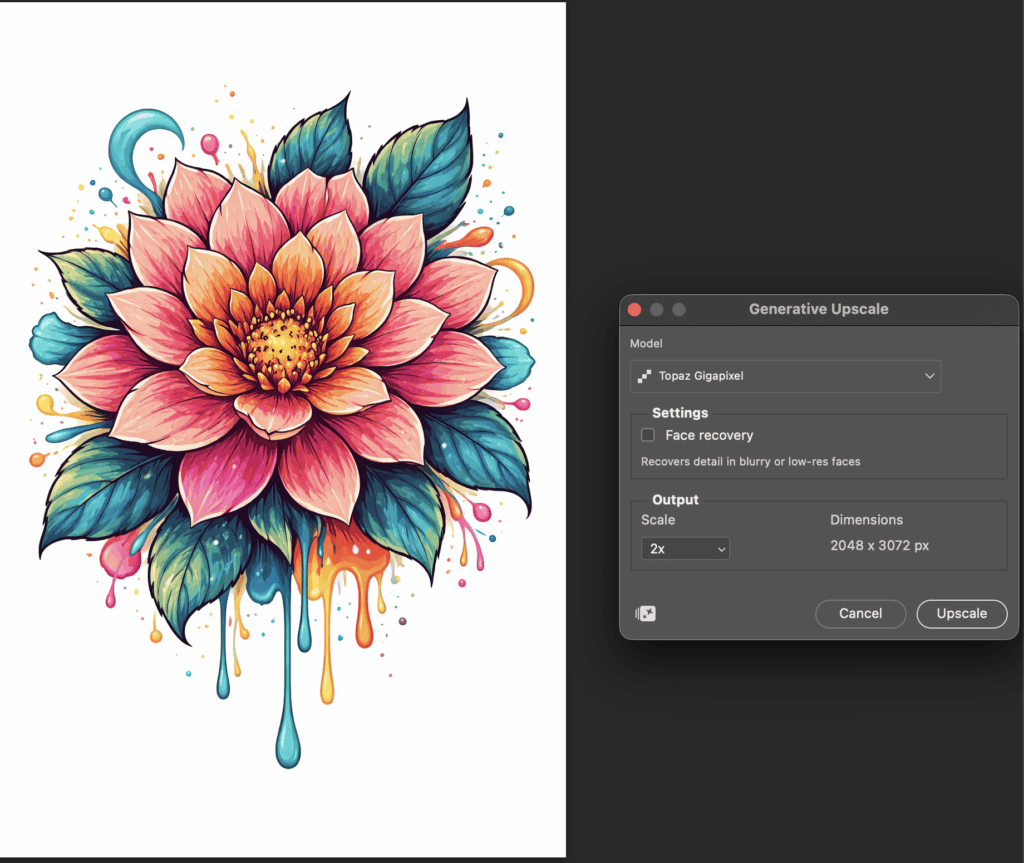
AI Raster with Generative Upscale PS using the Topaz 2x scale setting. Higher than 2x, I find uses too many credits and starts to create the psychedelic upscale look.
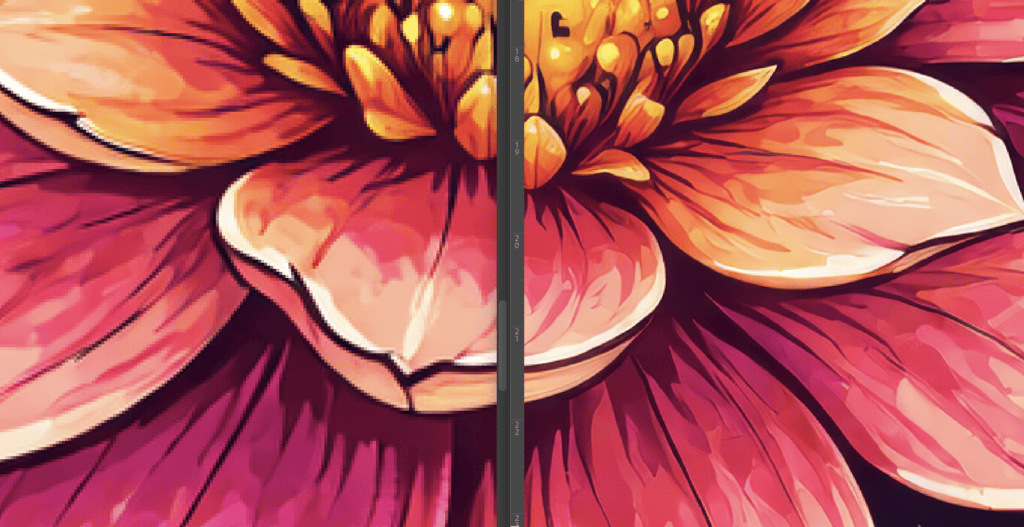
Original Left side – AI Raster with Generative Upscale Topaz in PS Right side. this is good for vector art, it tends to over sharpen in my opinion, if you want to do sim process seps.
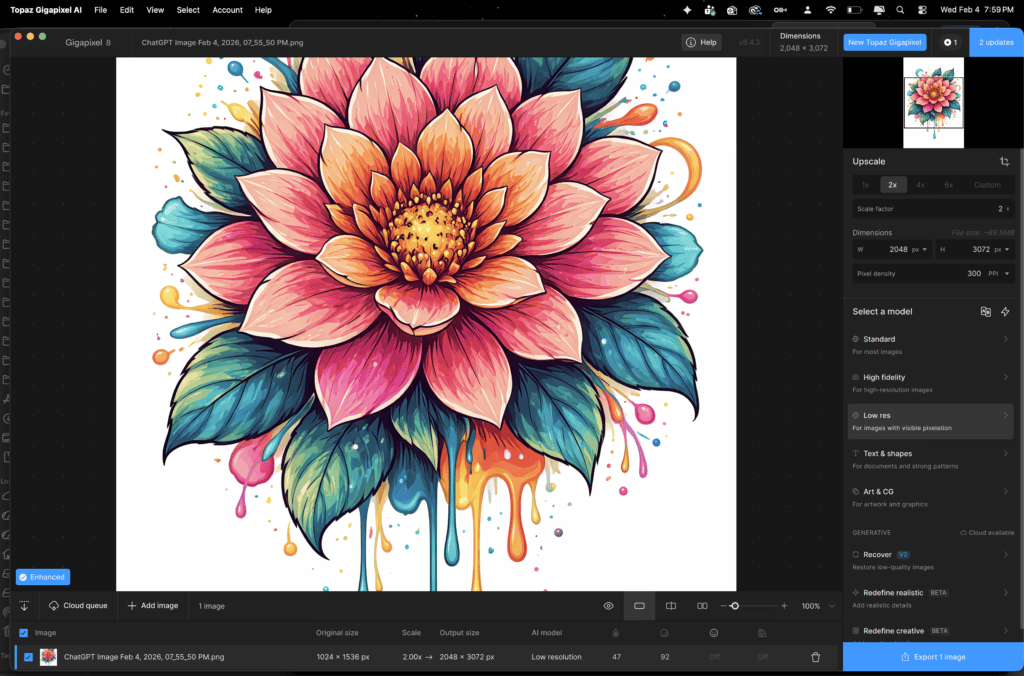 Topaz Gigapixel RECOVER – if you want to do sim process seps, this is really good. They have some new Beta Gen AI upscale tools too, but every time I test them, they seem psychedelic to me.
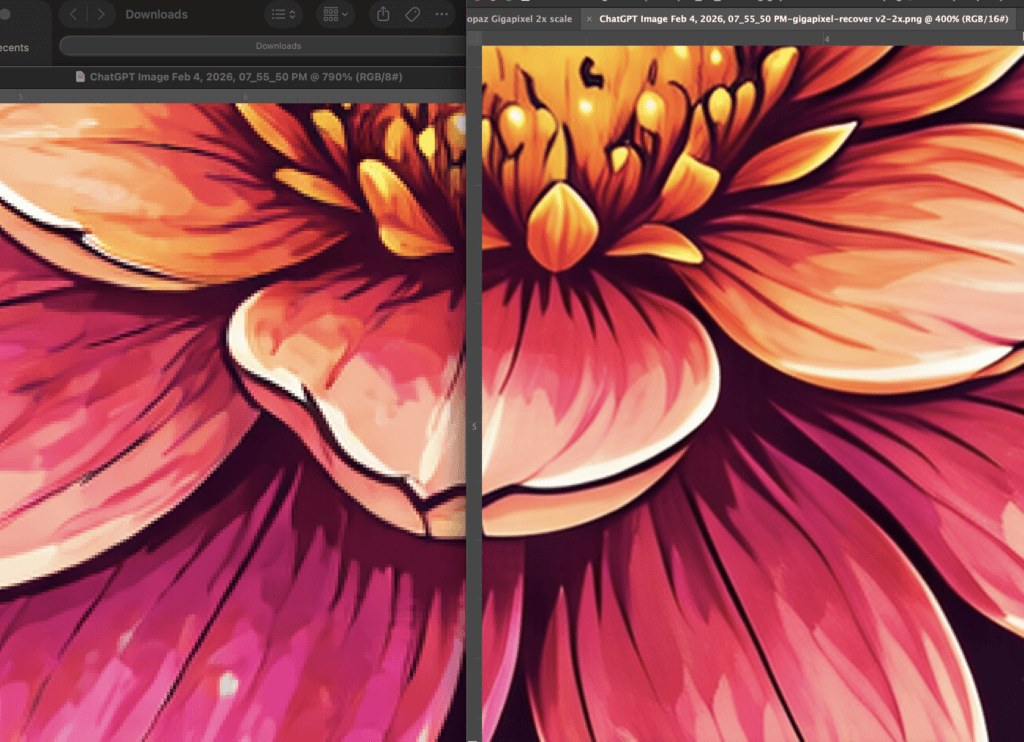
Original Left side – AI Raster with Topaz RECOVER Right side – it’s smoother more painterly.
But I test them all the time, because they are constantly changing.
Comments