I’ve been talking to my computer instead of typing for the past few months. Once you start, it’s hard to go back. Not every app lets you dictate into it. So I’d been talking into one app that does, copying the text, and pasting it where I actually need it. It works, but it’s clunky. Here are Two AI Tools That Changed My Workflow.
Then I found Wispr Flow.
Flow is a voice-to-text app that lets you dictate into anything, your browser, Illustrator, Slack, email, whatever has a cursor. That’s the killer feature. It runs quietly in the background, you hold a key and talk, and your words show up wherever you’re working. The free version gives you 2,000 words a week on desktop. I’m testing it now to see if I’ll hit that ceiling or if free is enough. If I go over, the Pro plan is $15 a month.
One thing worth knowing: Flow processes your audio in the cloud. By default, your transcripts can be retained and used for model training. I turned on Privacy Mode immediately, in Settings → Data and Privacy, it’s free on every plan, and it means nothing gets stored after processing. If you’re dictating anything work-related, flip that switch.
Flow also has full HIPAA compliance across all plans, which I wasn’t expecting from a dictation app. If you’re in healthcare and dictating patient notes, you can sign a Business Associate Agreement right in the settings. For the rest of us, it just means they’re taking data protection seriously. Your Dr is using AI.
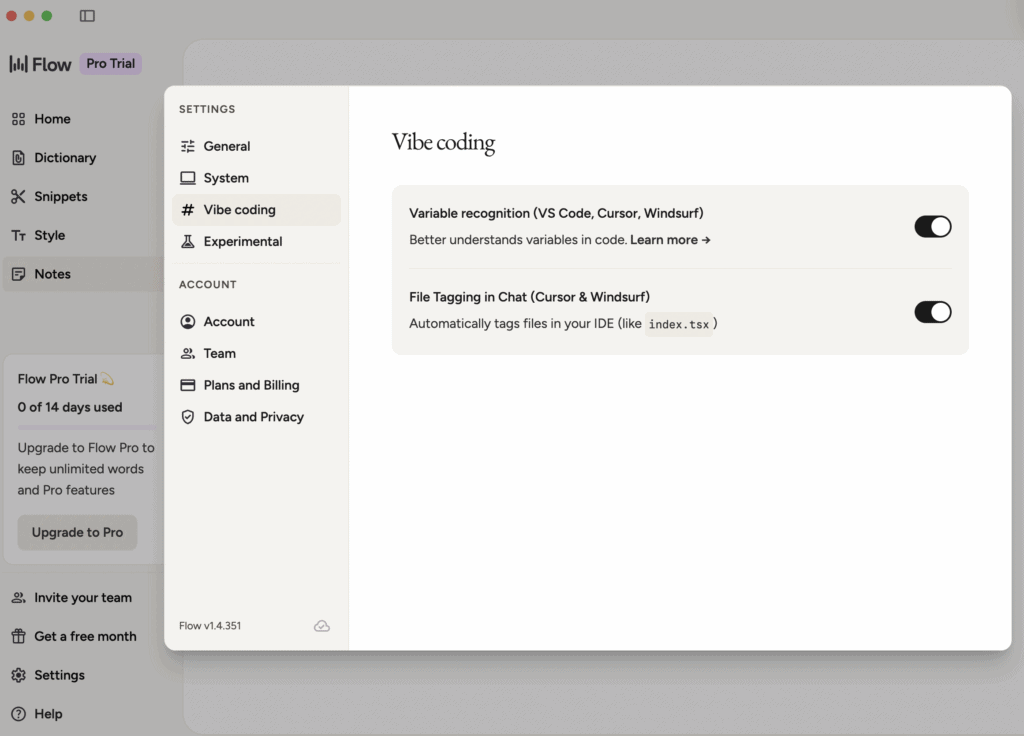
There’s also a “Vibe Coding” option in the settings that I haven’t dug into yet, but the idea is you can talk through what you want to build and Flow helps you code it by voice. For someone like me who’s been scripting automations, that’s intriguing. I’ll report back once I’ve tested it.
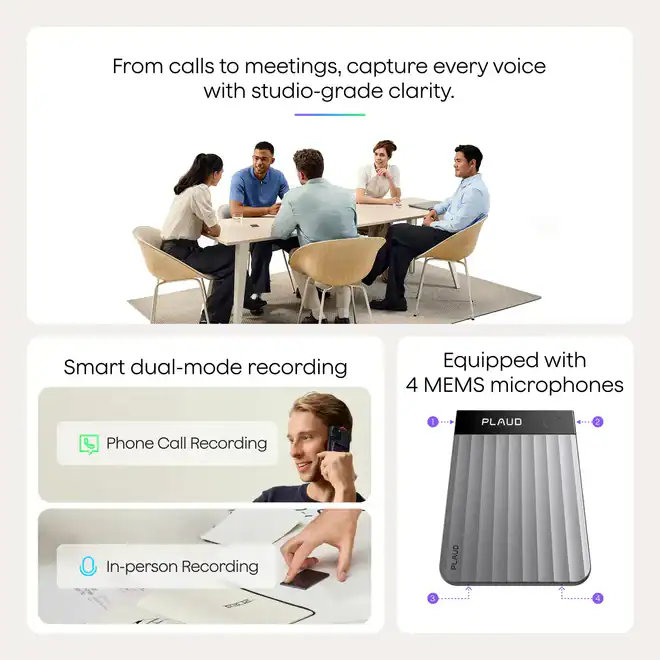
The second tool I picked up is the Plaud Note
I had a couple of conversations recently where someone was giving me a stream-of-consciousness brain dump full of critical details, and even taking notes I knew I was missing things. Ron Goodwin had a Plaud at the ISS show in Long Beach and that put it on my radar. I pulled the trigger, $200 for the device, about ~$8 a month for the subscription.
What impressed me was the output. It synthesizes the conversation into a structured summary with a detailed action item checklist. More detailed than if I’d taken the transcript and run it through an LLM myself. My first real recording went well and I walked away with clear next steps I know I would have missed otherwise. I was paying around $30 a month for Otter.ai. Plaud comes out to about $25 a month for the first year when you factor in the device cost, and drops to $8–10 after that. Worst case, I resell the device.
Quick legal note if you’re considering Plaud: check your state’s recording laws. I’m in a two-party consent state, which means everyone in the conversation has to know you’re recording. Just say something at the start, most people don’t care, but the law does.
Flow replaces my keyboard. Plaud replaces my notepad. Both are making me faster.

Comments