Fashion Forward Friday is BACK!
AI Proof Review, Revisited: From Fast Scanning to Documented QC
AI posting on Friday is back, I took some time off – I’m back, and I want to share updates on my ongoing projects. Keep the dialog going, please respond, share, follow, ask questions – AI will help and change out industry at the pace we all share, imo. (I am also available to help build Custom AI for creative production, so reach out if have interest in that) Ok moving on….
Earlier this year, I wrote about an AI-powered proofreader built to move at the speed of sight designed to catch spelling and local accuracy issues faster than a human eye scanning dozens (or hundreds) of proofs in a day.
If you missed that first post, you can read it here:
👉 FFF: Proofreading at the Speed of Sight
/fff-proofreading-at-the-speed-of-sight/
That original system focused on rapid visual review: flagging spelling errors and local inaccuracies before they made it to press. It worked, and it still does. But as this tool started getting used in real production environments, one thing became clear:
Fast detection is only half the job.
Documentation matters. So the logic has evolved. What’s new (and why it matters)
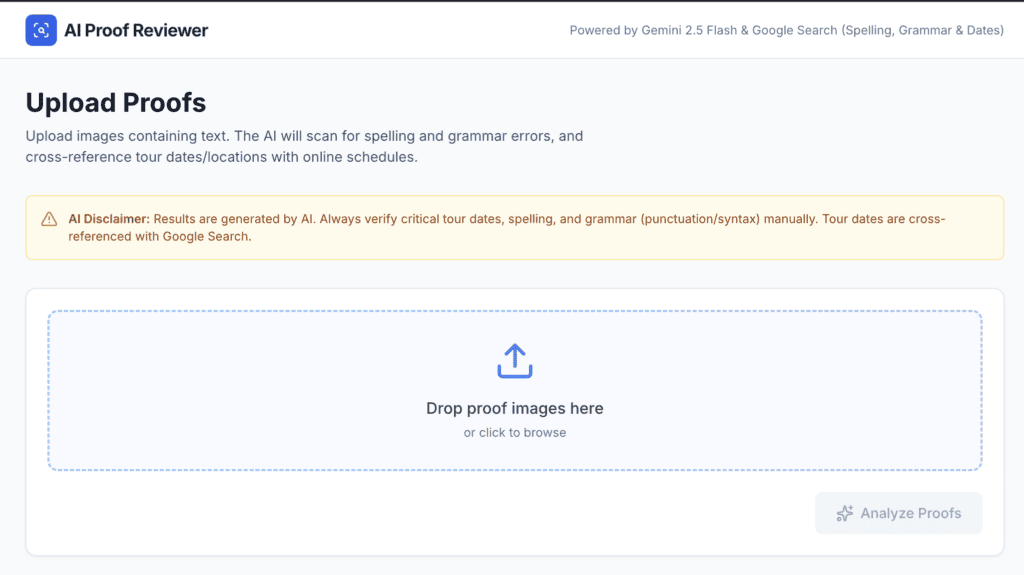
The updated AI proof review system still analyzes all provided proof images containing text, but it now formalizes the review into a structured, exportable QC record.
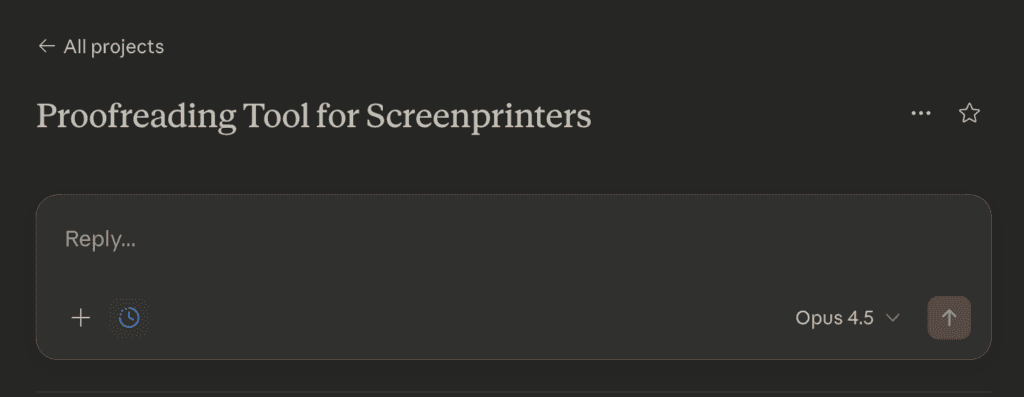
The system currently focuses on two high-risk categories:
- Spelling Accuracy
It identifies misspellings, transposed letters, and missing or extra characters, while preserving the original tone, capitalization, and layout intent. - Specific Accuracy
City, state, and date information is verified against real, scheduled events, or teams names and numbers. Local Accuracy like an image relevance to a location. The AI searches online. This is the error category that causes the most damage when missed and the most reprints when caught late.
Structured findings instead of mental notes
For each proof image, the AI outputs a table with clear, production-ready fields:
- Proof Filename
- Proof Text
- Correct Value
- Issue Type (Spelling or Tour Date Accuracy or Location Inaccuracy)
- Notes (e.g., “Typo,” “Tour date wrong”)
If a proof is clean, the system adds a single row stating:
“No errors detected for this file.”
When multiple text areas exist within a single proof, each is reviewed independently, because proofs are rarely as simple as one block of text. The AI is instructed to do it this way, like: “When multiple text areas exist in a single proof image, treat each separately.”
Excel output
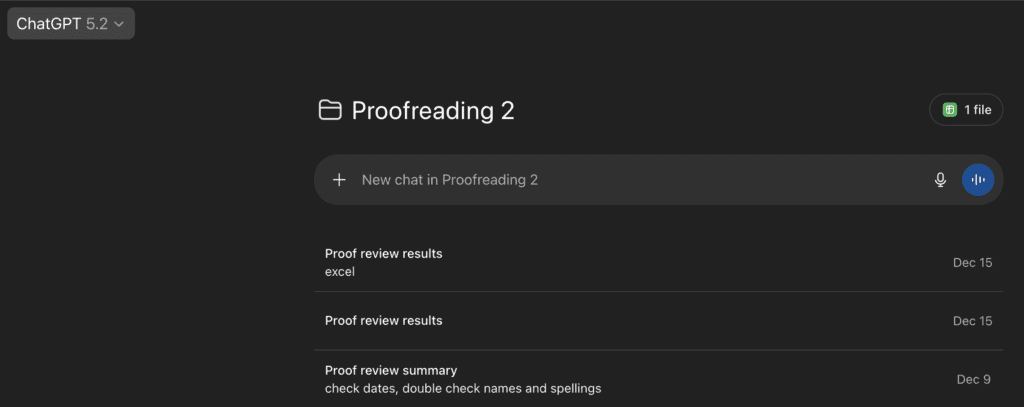
The biggest update is Excel export. When requested (“export to Excel,” “create Excel report,” or simply “Excel”), the system automatically generates an .xlsx file with:
- One row per identified issue
- A proper header row
- Separate worksheets for each proof batch
- A clear filename format: ProofCheck_[Date]_[BatchName].xlsx
This creates a verifiable QC doc something production teams can reference, share, and archive.
The goal hasn’t changed: protect the craft, reduce avoidable errors, and give skilled humans better tools.
Now it just leaves a paper trail, because production deserves one. If you want to try this, copy this article into chatGPT or Gemini or Claude or whatever you are using, saying use this article to “create logic statement for a proofreading tool.” Adjust any areas to your workflow, i.e. tour dates – to names and numbers in the NFL; whatever you need. When it gives back the logic statement, build a project with this as the instruction and run your proofreader by uploading screenshots. That’s it, easy.
My favorite is Gemini right now. It has great OCR (Optical Character Recognition — it’s a technology that takes text in images (like scanned papers, photos of docs, or screenshots) and converts it into editable, searchable computer text that software can use just like regular text.) it can read the most distressed graphics so far.
If you need help, comment below.

Comments