My Downloads folder was a disaster. Screenshots piling up by the hundreds. Time tracking data I had to manually enter into two different spreadsheets every single day. None of it was hard. All of it was stealing time. So I began Automating daily computer tasks with AI.
Downloads: Scheduled Cleanup
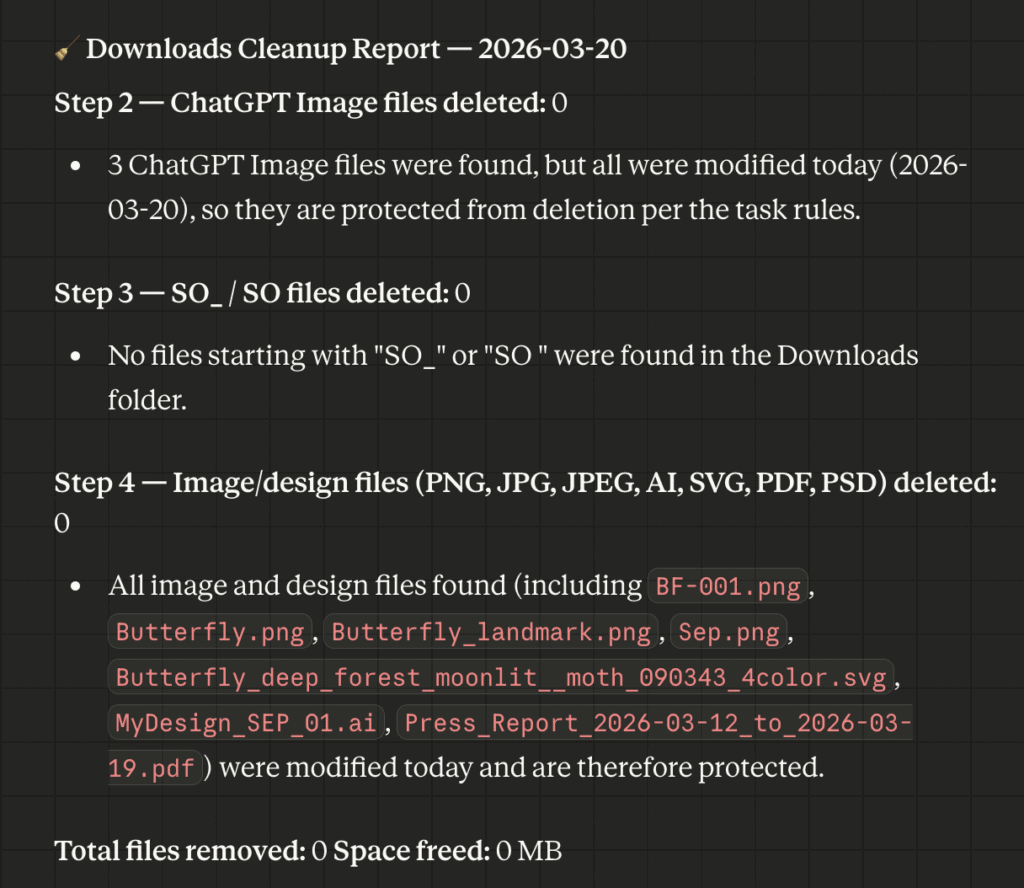
The Downloads folder is the junk drawer of every computer. Mine was worse because I generate a lot of AI images throughout the day, and they pile up fast. I wrote a cleanup script that runs on a schedule using find commands with date filters. It deletes AI-generated images older than today, so anything I made this morning is safe, but yesterday’s experiments are gone. Files with specific prefixes like SO_ , temporary vendor exports, get purged automatically too.
The important constraint: it never touches subfolders. The rules are explicit, date-anchored, and scoped. No recursion. I set it and forgot it.
Screenshots: AI-Powered Classification
I take a lot of screenshots. Some are personal, receipts, financial data, medical records, text conversations. Some are throwaway, UI grabs, memes, random web pages. They all land in the dated folders as pngs (an automation I had previously set up).
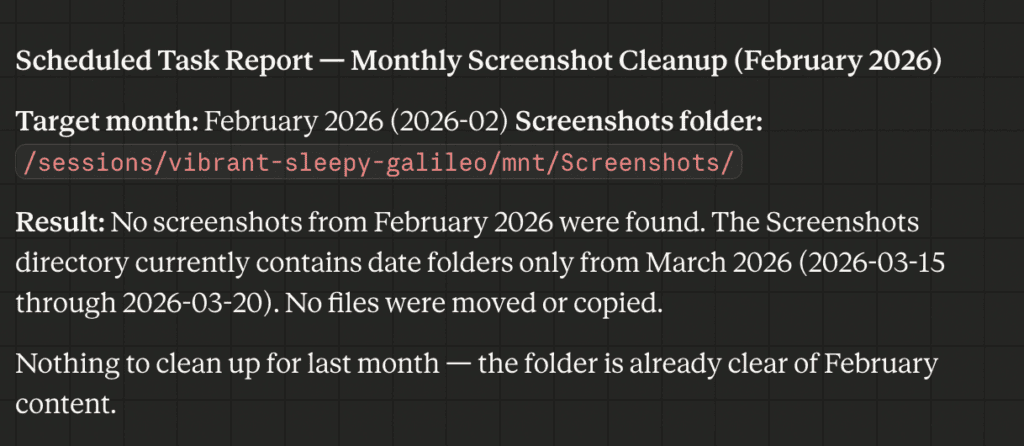
Once a month, an automated task scans the previous month’s screenshot folders and sends every .png through a multimodal LLM for visual classification. Each image gets sorted into either personal/YYYY-MM/ or to-delete/YYYY-MM/. Nothing is permanently deleted by the script. I review the to-delete folder myself before purging.
The design principle here is conservative: when the model isn’t sure, it classifies as personal. Misclassifying a receipt as garbage carries risk. Misclassifying a meme as personal costs me nothing. I’m going to monitor its sorting for a while, and if it’s accurate, I’ll just delete without reviewing.
TimeTracker: Email to Paste-Ready Excel
Every day I get TimeTracker data with my work log, client hours, and daily summary. That data needs to end up in two different Excel spreadsheets, one for daily work entries, one for client ledger totals. I was entering everything one at a time by hand.
Now a script searches for the latest automation from my TimeTracker export (another custom build), parses the JSON, and generates a clean Excel file with two tabs formatted exactly to match my existing spreadsheets. Column widths, time formats, ordinal dates, everything. I merge. Done.
Three small automations. Maybe 30 minutes of manual work eliminated every day. The pattern is the same in all three: find the repetitive thing, write explicit rules, let it run.
Tools used:


Comments