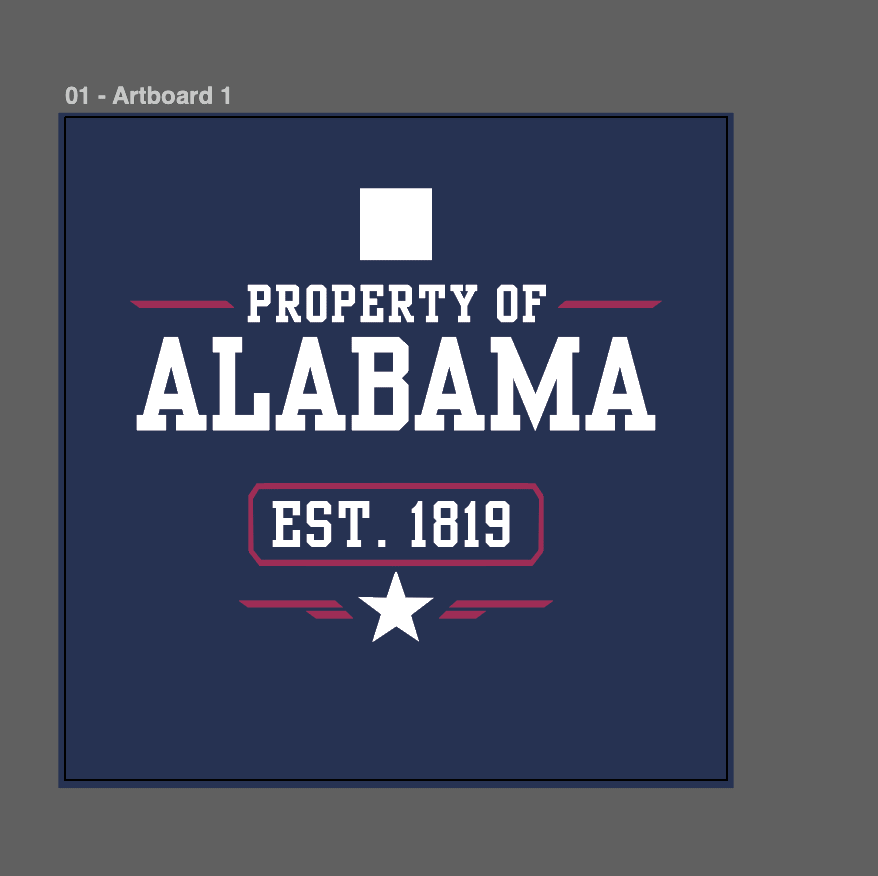
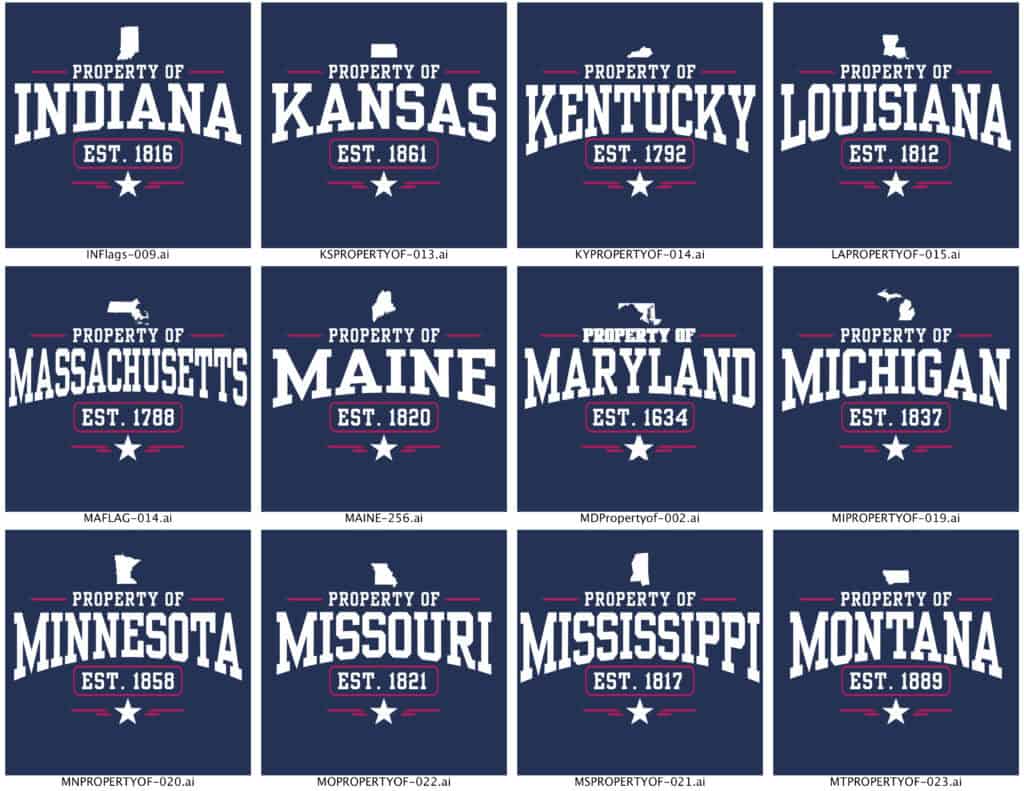
This project is a script that automatically automates State-Based Designs in Illustrator. The “Property Of [STATE]” apparel designs, one for every U.S. state, with no manual editing of each file.
If you’re interested, these types of projects are a frequent post, you can find more: Photoshop Script for Automated Artwork Cleanup, AI proof review for apparel printing, and Training AI for Technique Prints: From Shoelaces to Seed Art.
Instead of opening a design, changing the state name, fixing the established date, swapping the state shape… over and over again (50 times ), the script does it all in seconds. I began this script by giving Claude a Scribe of what I was doing, naming the layers in the template and making an Action for the curved text. Finally creating all state silhouettes (manually) and running the script.

What the Automation Does
For each selected state, the script:
- Updates the state name text and applies the same curved/arched style every time
- Changes the established year to match the state (determined in the script)
- Swaps in the correct state silhouette (even tricky ones like Hawaii or Rhode Island)
All of this happens automatically using a single template file.
Template Set Up
The Illustrator file just needs three clearly named layers:
- STATE NAME – the “[STATE]” text
- EST DATE – the year the state became official
- Layer 1 – the state shape and decorative elements
Targeting layers by name turned out to be far more reliable than trying to guess where things are on the page especially since curved text behaves weirdly in scripting.
The Biggest Headache: Curved Text
Illustrator treats warped text like a black box. Once text is curved, it’s no longer “real” text that scripts can easily edit.
Instead of fighting that, the script:
- Recreates fresh text with the correct font, size, and color
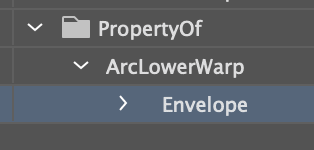
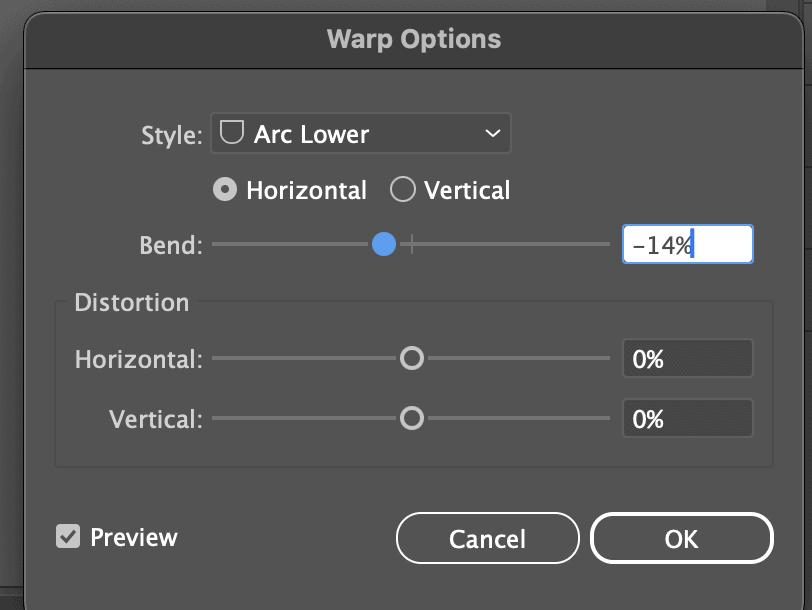
- Applies the curve using a pre-recorded Illustrator Action that the script initializes
This avoids pop-ups, and errors.
Swapping State Shapes (Even the Weird Ones)
Some states are simple shapes. Others are a mess of islands.
The script:
- Measures the existing state shape
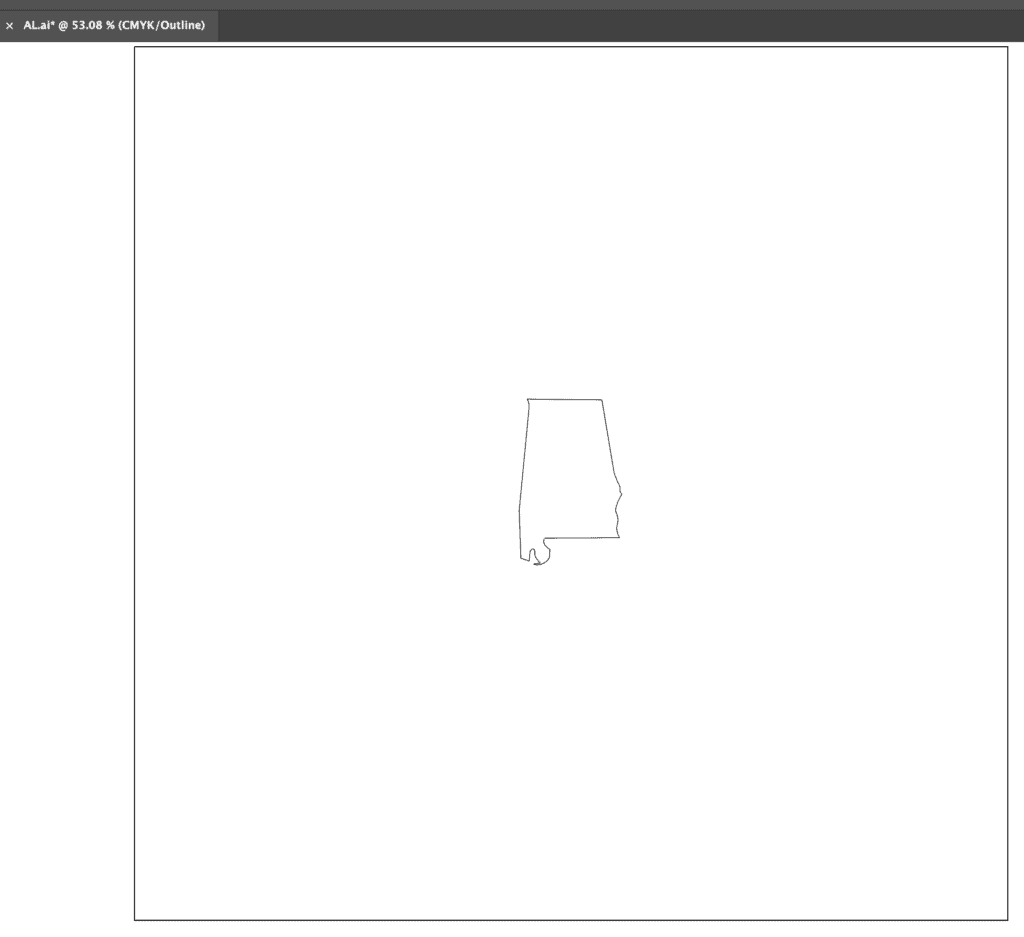
- Pulls in the correct replacement from a separate ai file. I created this manually in 30 mins.
- The script scales and centers the state perfectly so the layout is consistent.
Built-In State Data
AI embeds all 50 states, names, and founding years directly into the script, eliminating the need for spreadsheets.
A simple dialog lets you:
- Pick one state
- Pick several
- Or hit Select All – this is how I ran it after I tested one.
I built the script in 30 minutes. The states silhouettes 30 mins, and the files ran 20 mins =0.333 hrs
TOTAL 50 new designs in 1 hour 20 mins or ~1.5 mins per new file.


Comments