Start With the Brain Dump, Not the Slides
The biggest mistake I made early on was opening Claude and asking for “a 15-slide deck on screen printing safety.” You’ll get something. It’ll be generic, vaguely true, and useless. Better approach: dump everything you know about the topic into the chat first. Bullet points, half-thoughts, that one anecdote you always tell at Shop Talk, the stat you keep meaning to look up. Then ask Claude to organize it. The output is yours, just with structure you didn’t have to invent. Building a Slide Deck With Claude.
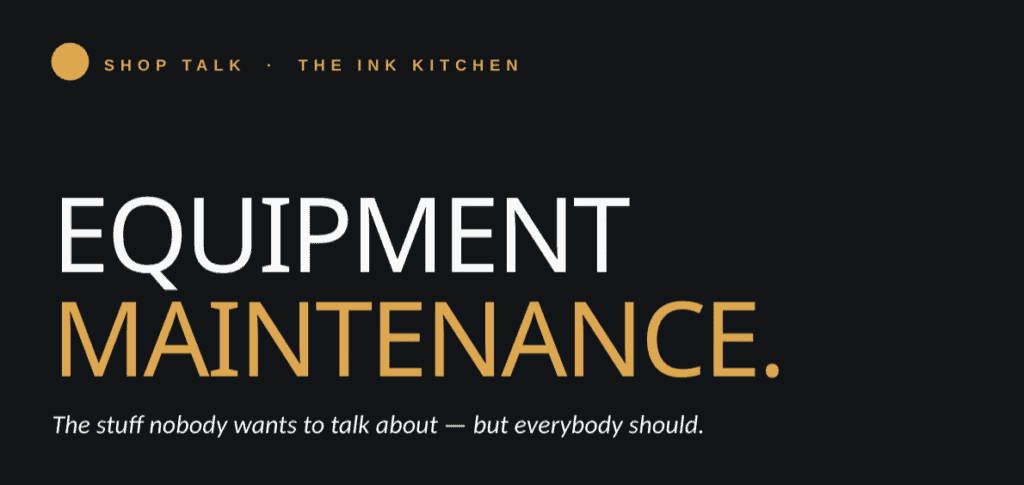
Let It Build the Outline First
Before you ask for slides, ask for an outline. “Here’s my brain dump. Give me a 12-slide structure with section headers and a one-line takeaway for each.” This is where Claude earns its keep. You see the argument arc on one screen, spot the gaps, and rearrange before any visual design enters the picture. I usually go three or four rounds here, telling Claude what feels weak or what I want to cut. Cheaper than redesigning slides.
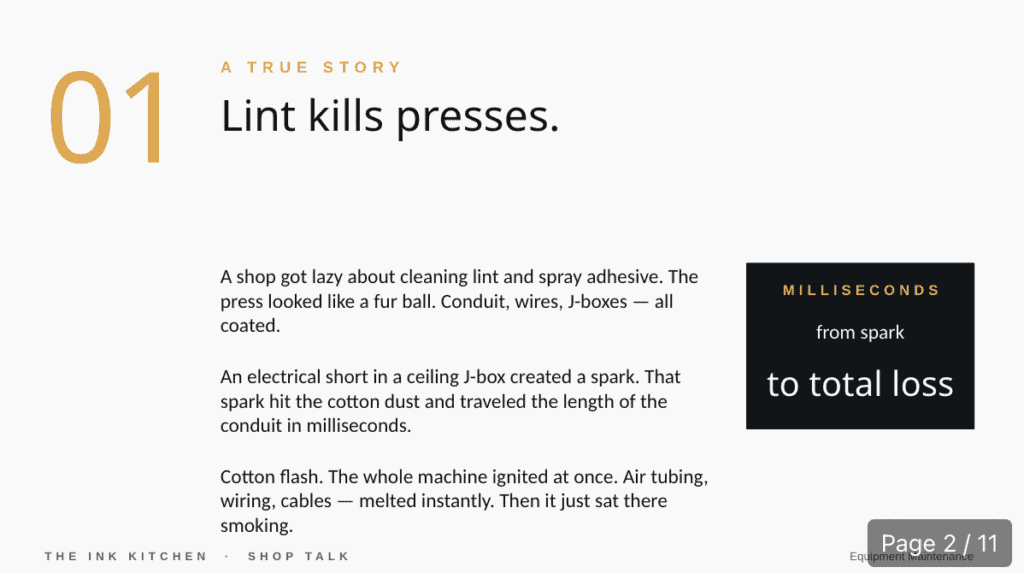
Then Generate the Actual Deck
Claude can produce a .pptx file directly, with speaker notes, formatted text, the works, ready to open in PowerPoint or Keynote. There’s also a Claude for PowerPoint extension in beta that lets it operate inside the deck itself. Either way, the magic isn’t that Claude designs beautiful slides. It doesn’t, not really. The magic is that you start with a working draft instead of a blank file. A working draft you can fix is always faster than a blank one you have to fill.
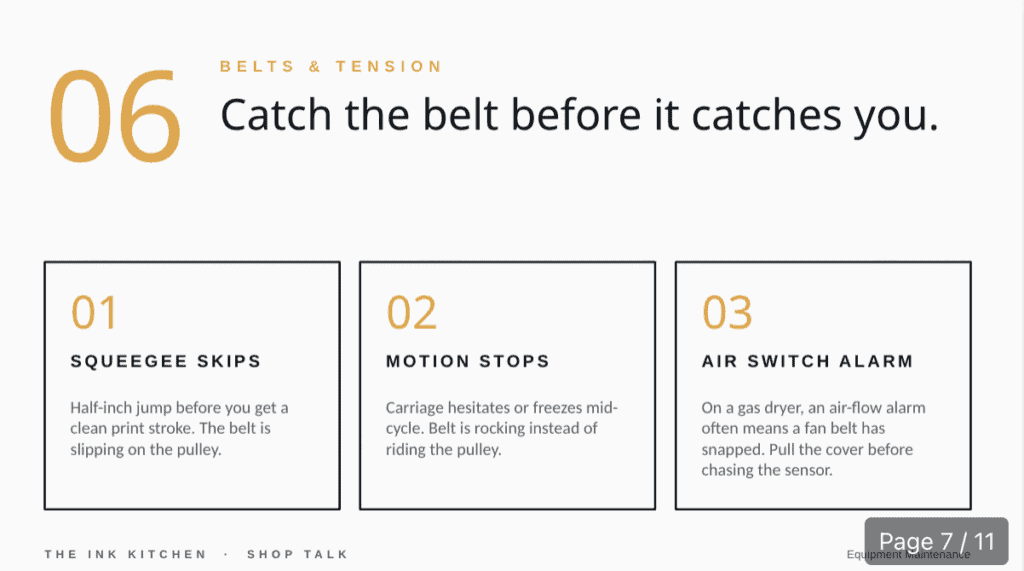
What It Won’t Do Well
Claude won’t get your visual brand right without help, and it won’t pick the right photos. It will write speaker notes that sound like a chatbot wrote them unless you push back hard. And if your topic is technical, specific ink chemistry, a press setting, a niche workflow, verify every claim. Same rule as always: cite sources, argue against itself, never trust the first answer.
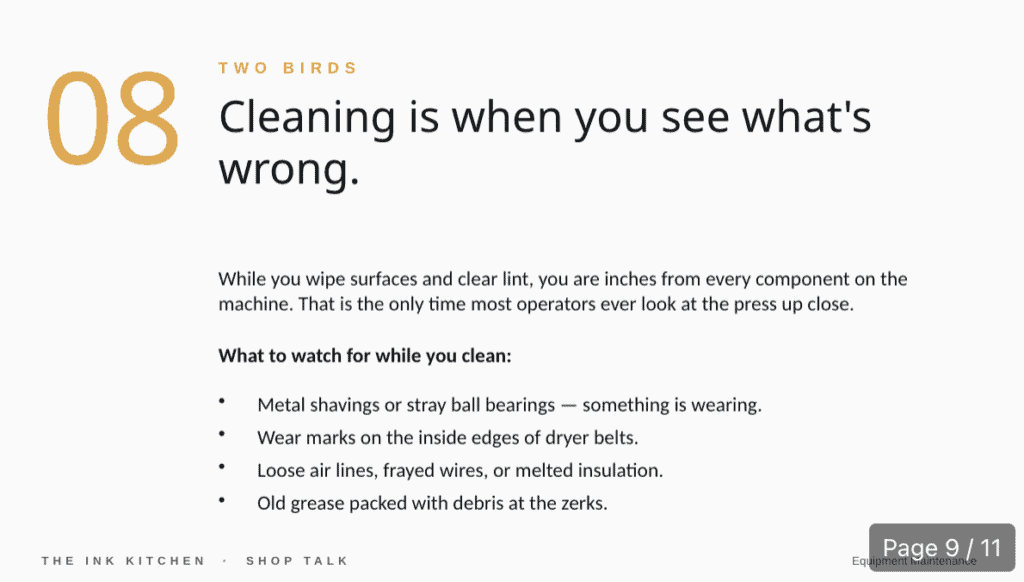
The Honest Take
Use AI to skip the staring-at-a-blank-slide tax and to organize your own thinking faster. Don’t use it to think for you. The deck still needs to sound like a person who actually knows the topic, because the people in the audience can tell.


Comments